Home Lab Project
Why?
The desire to own something of my own, to understand technology more deeply, and to improve on solutions I had seen others implement—but not always correctly—motivated me to start this journey. This kind of setup allowed me to spread my wings and continuously expand my knowledge.
I began building a home lab project using my own equipment, where I can test various technological solutions. This includes custom configurations, Kubernetes environments, automated virtual machine deployment on Proxmox, networking with MikroTik, security implementations, and testing. I also focus on monitoring, optimization, backup solutions, and the ability to restore systems to a specific point in time.
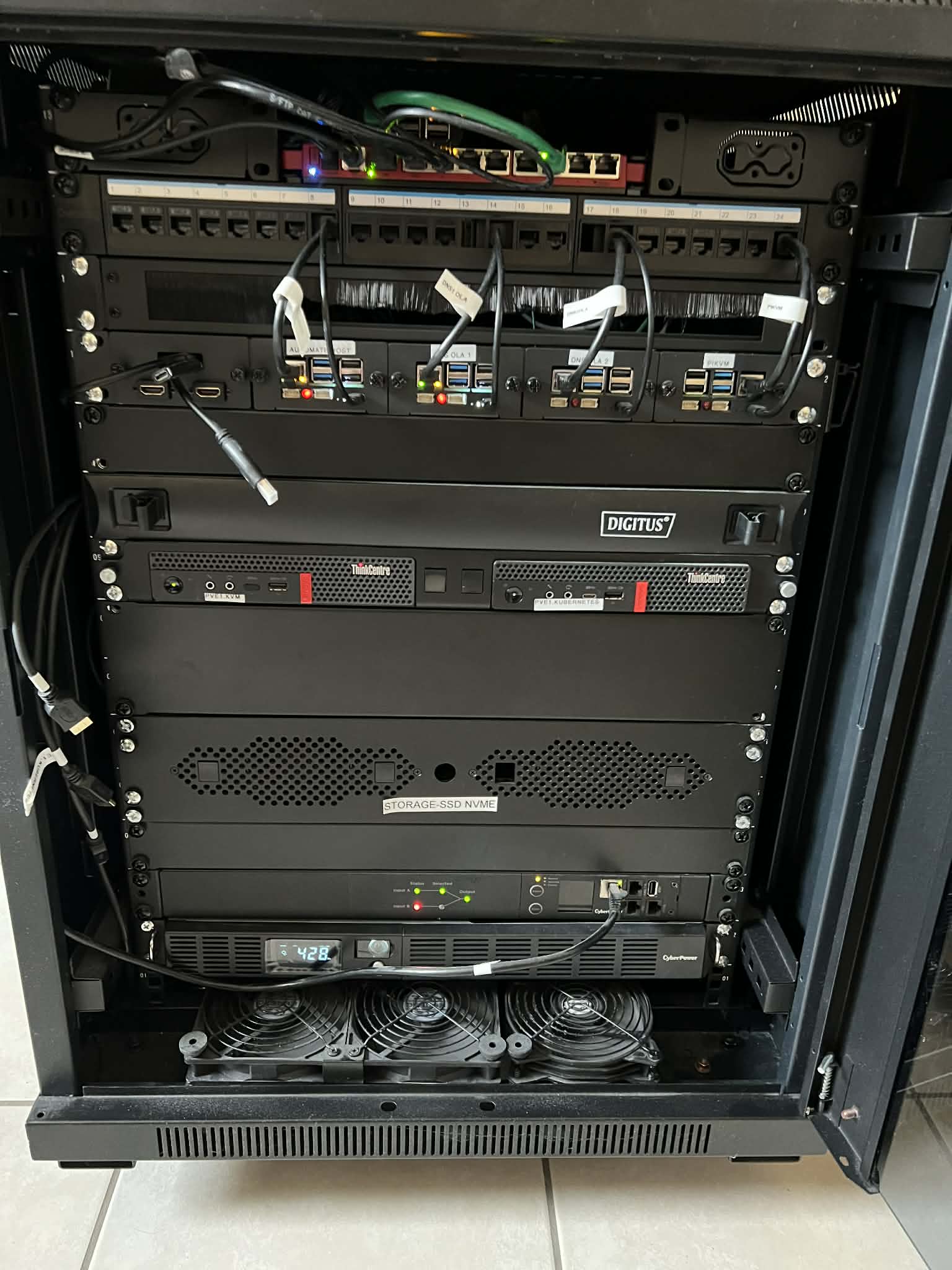
I use a UPS connected to an ATS with a management interface, which also supports automation.
Both the network and the rack cabinet, along with its components, were assembled by me. While this kind of setup can be expensive, it is a worthwhile investment.
The capabilities of the machines and the cost reductions achieved by using this type of infrastructure are significant. The maximum power consumption is around 260 W.
Hardware Overview
Network Gear:
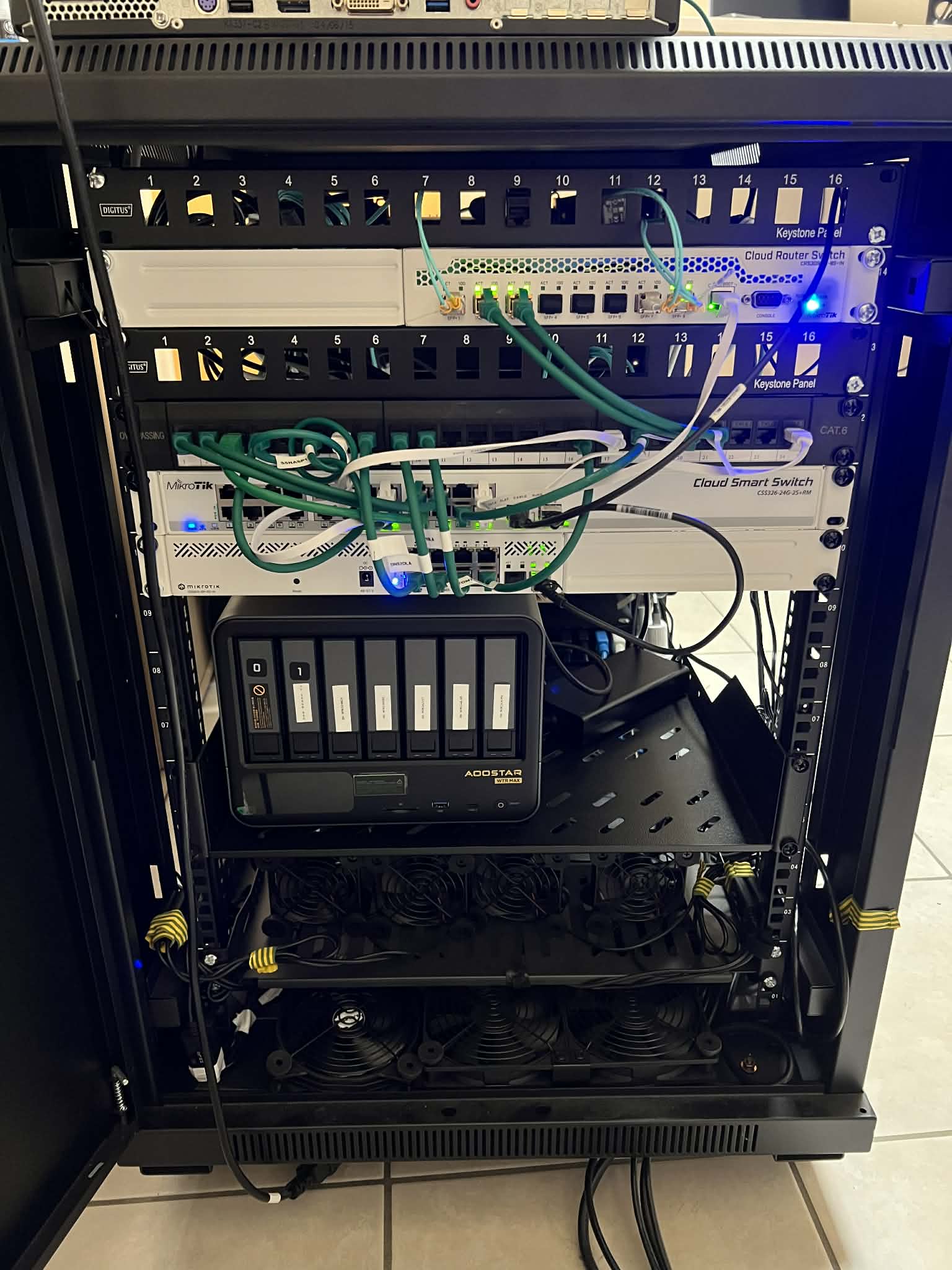
- Router – Mikrotik L009UiGS
- Switch Access Layer – Mikrotik CSS326-24G-2S+
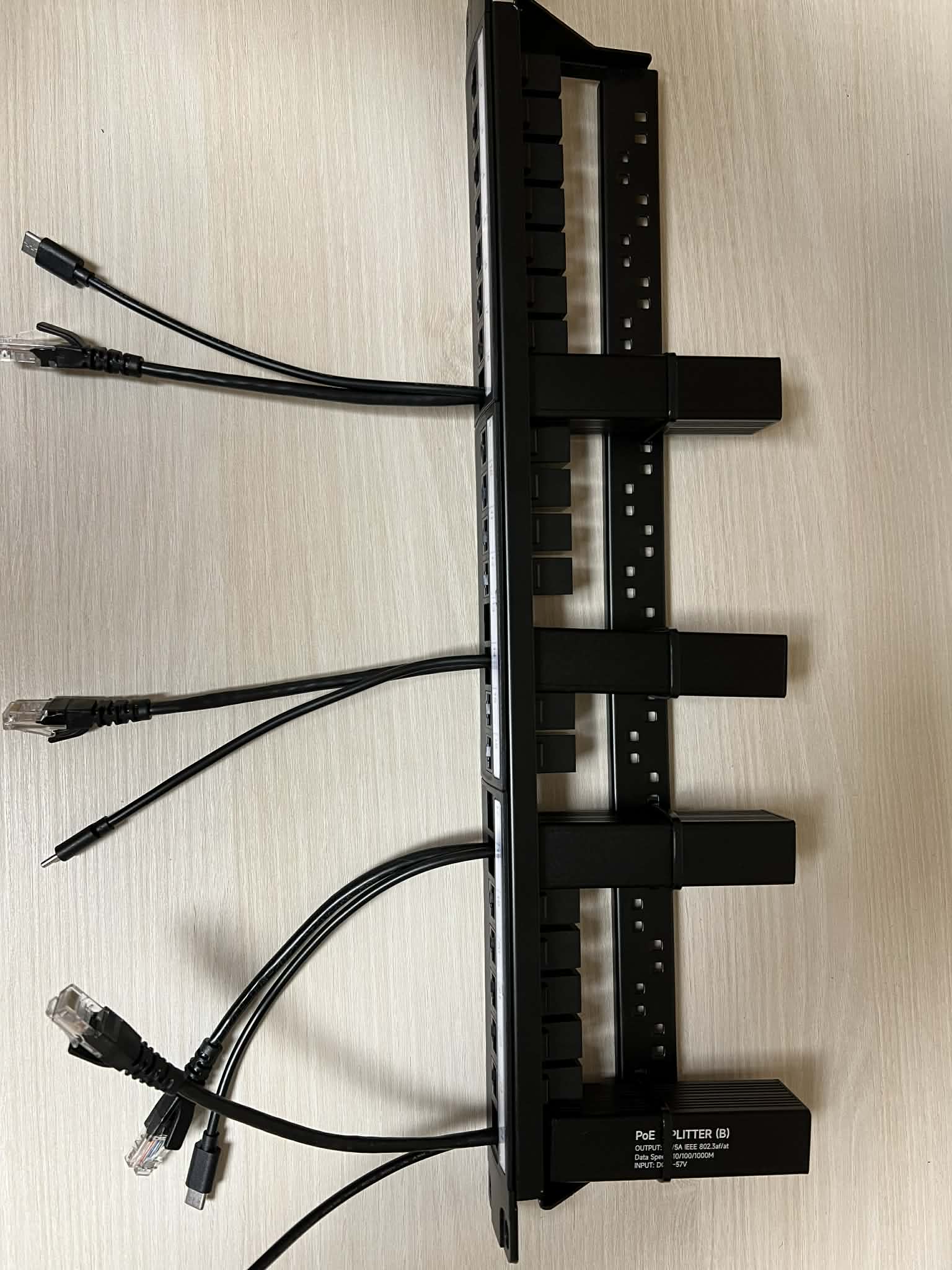
- Switch POE – Mikrotik CSS610-8P-2S+
- Switch SAN for Storage – Mikrotik CRS309-1G-8S+IN
Power systems:
- ATS/PDU – Cyber Power PDU44004
- UPS – CyberPower OR1500ERM1U + CyberPower RMCARD205
Hardware for Servers:
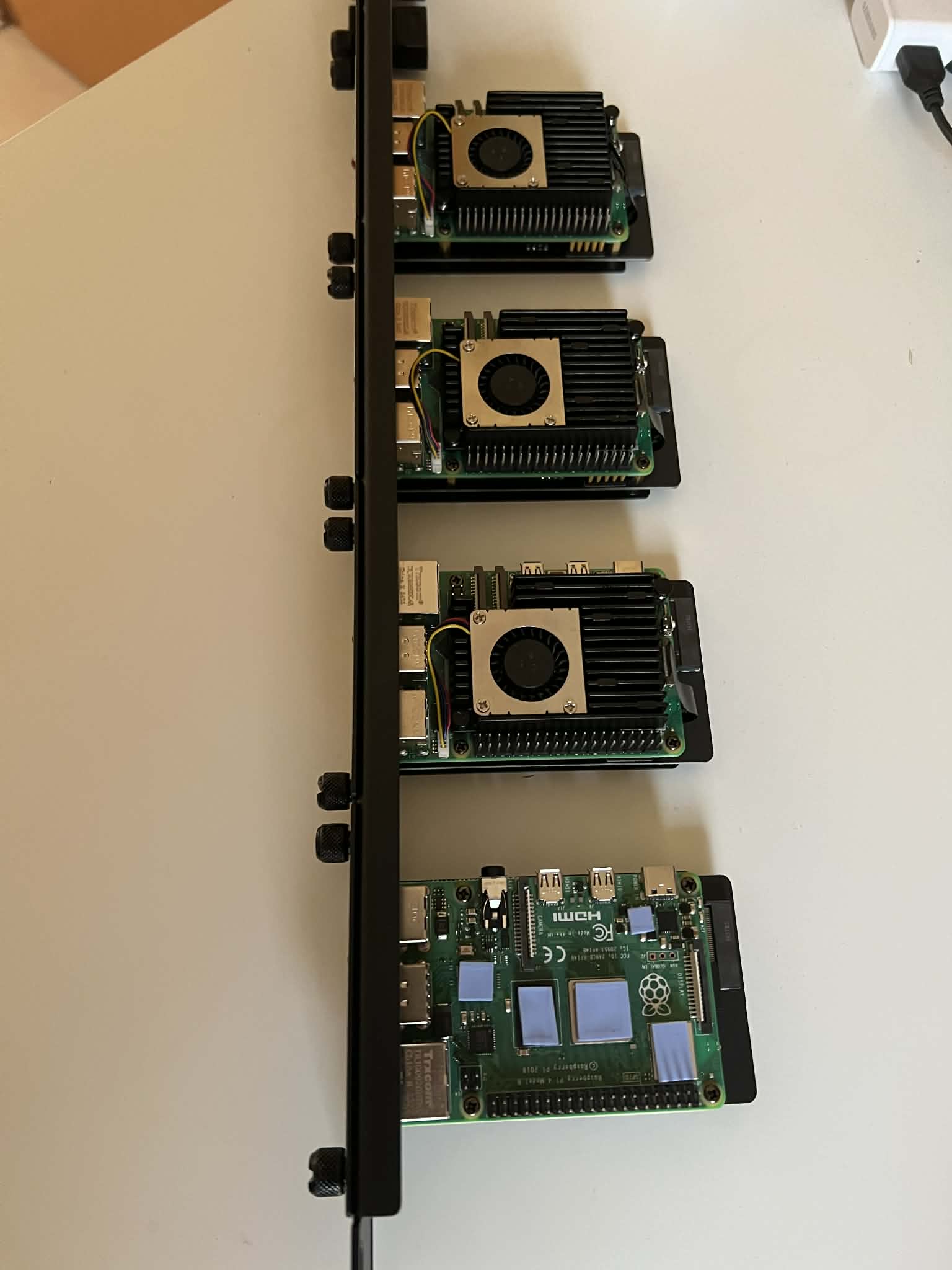
- 3x Raspberry Pi 5 8gb with 256GB SSD NVMe on board with special fan (Ansible host, 2x DNS Bind9 with VPN gateways).
- 1x Raspberry Pi 4 4gb for PiKVM – Special configuration and fan to connect to devices which has no remote management ports.
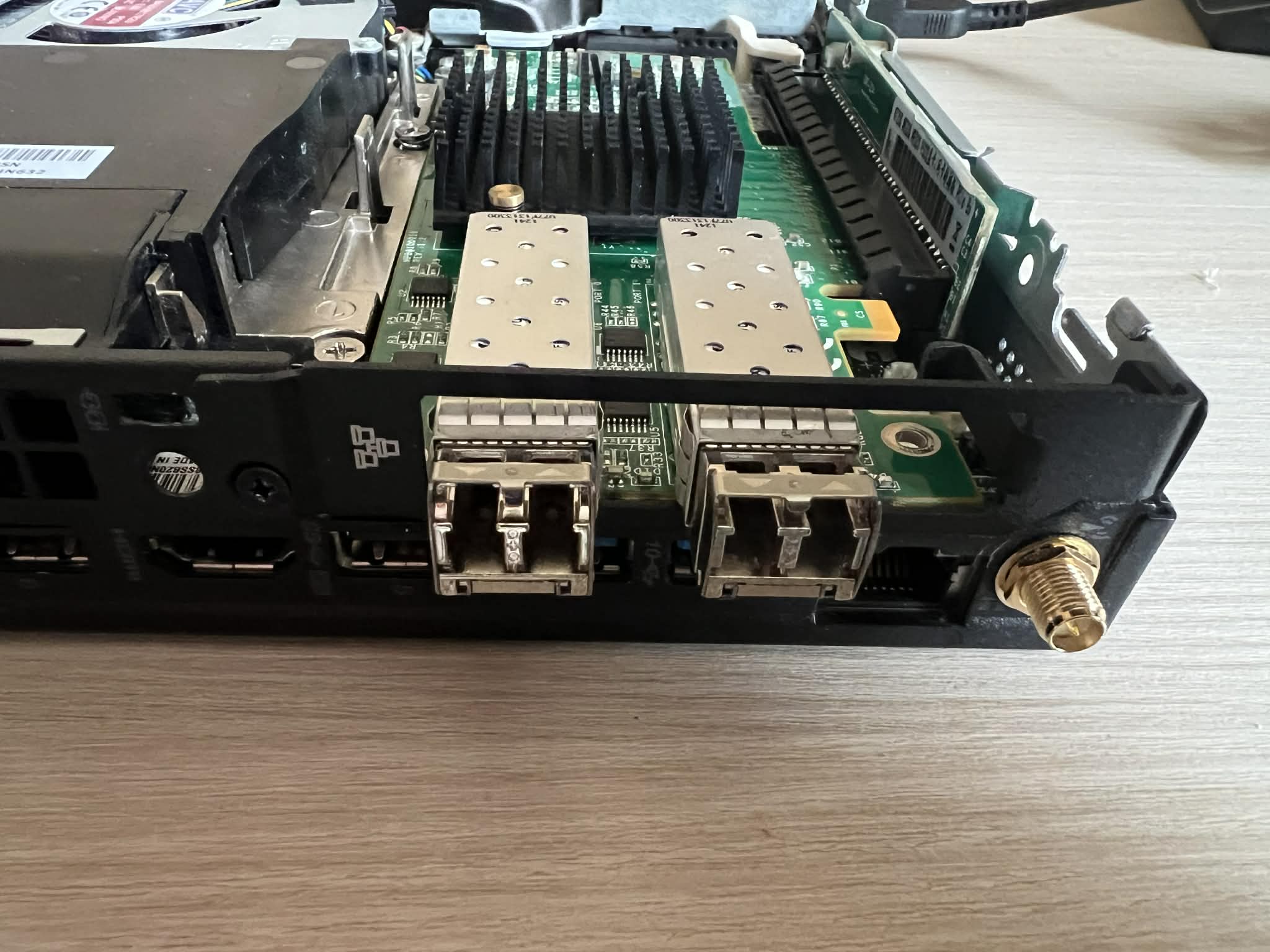
- 2x Lenovo ThinkCentre M920X tiny CPU Intel i9-9900T CPU with 64 GB RAM, 2x 512 GB Nvme Raid1 OS with 2x 10 SFP+ ports with 1Gbit port. For Virtualization hosts.
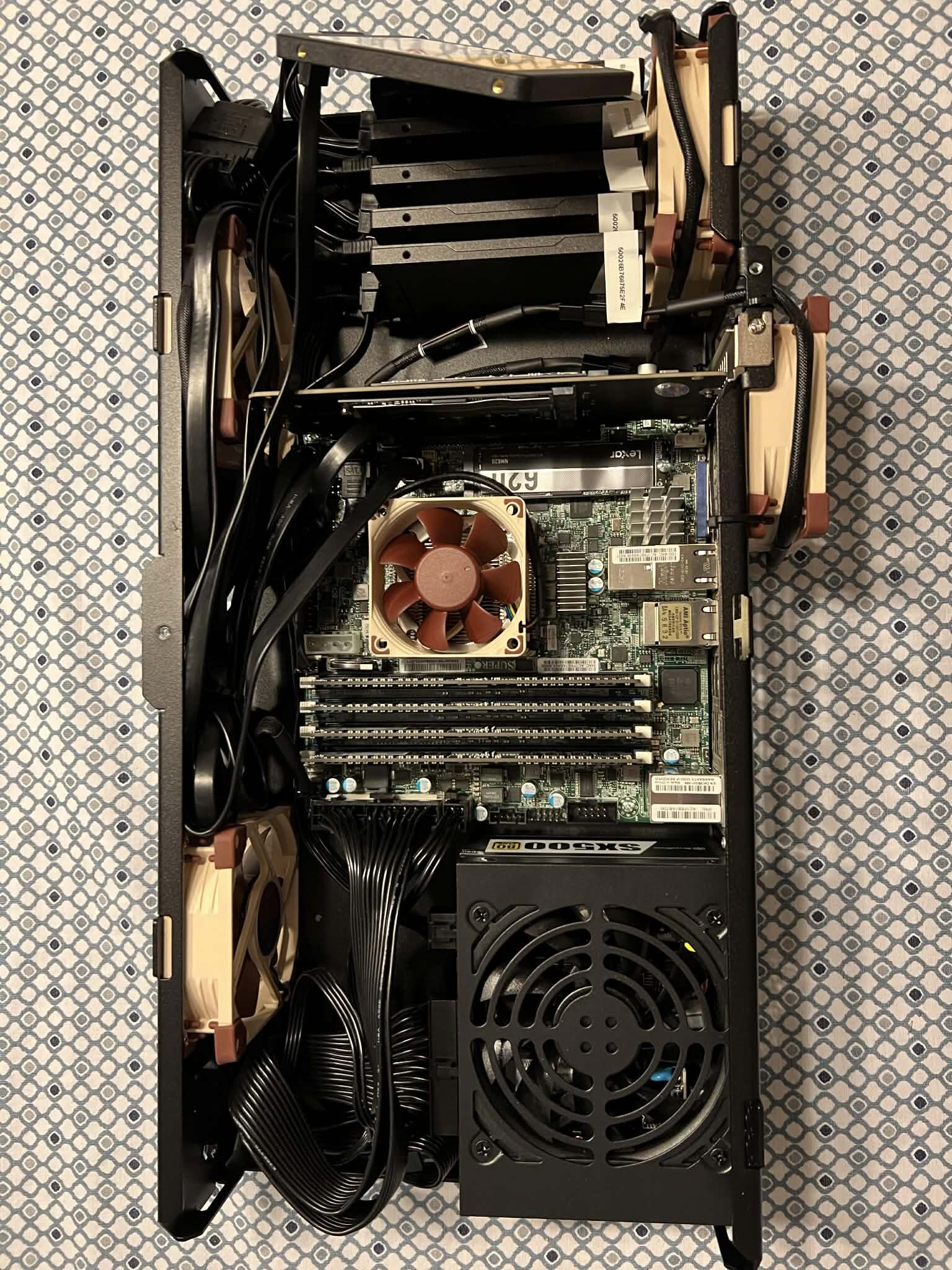
Storage systems:
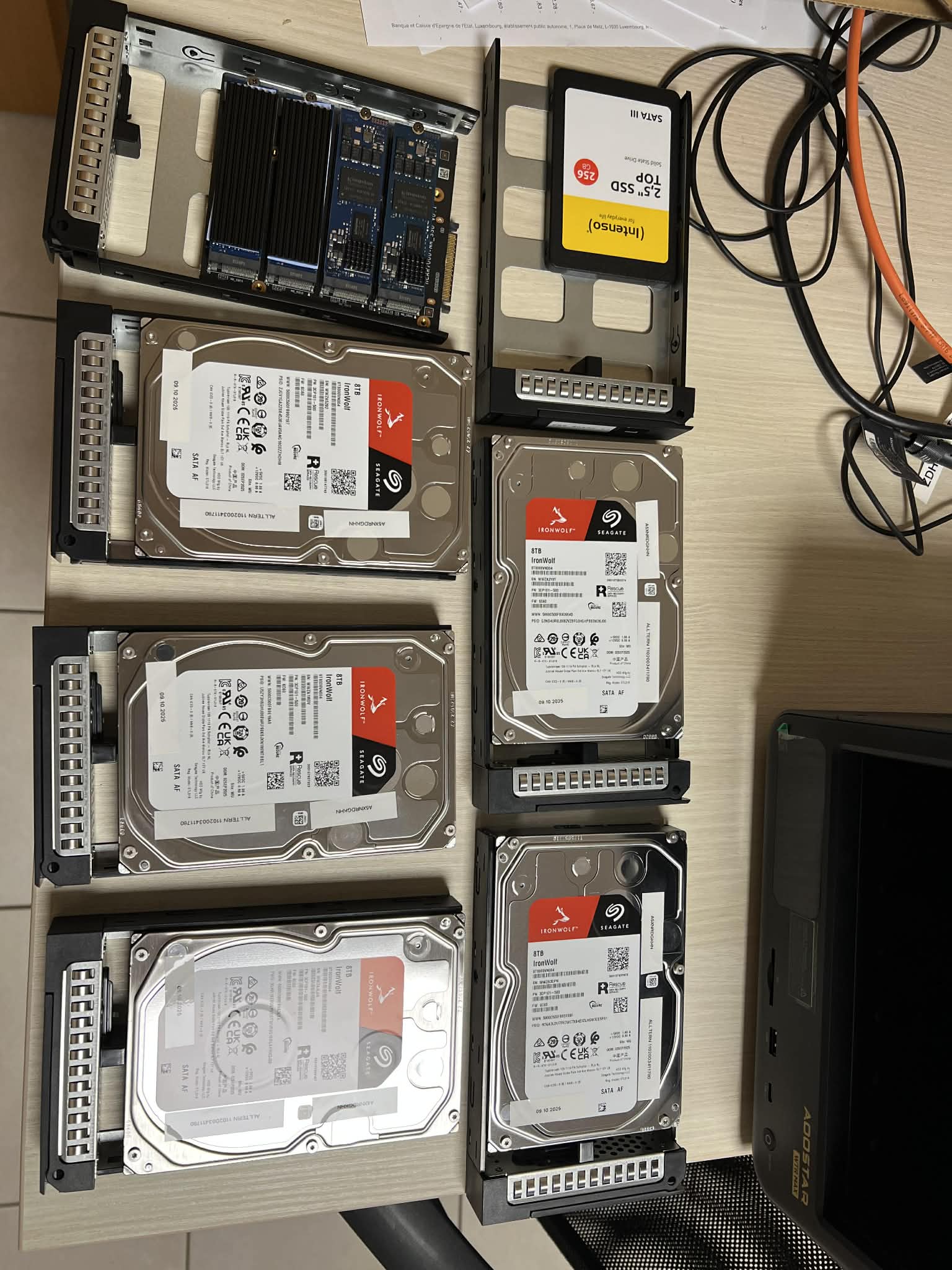
- AOOSTAR WTR MAX 8845 – AMD R7 PRO 8845HS, 64 GB of RAM NO ECC DDR5, 5X HDD 8 TB, Raid 10 + Spare, 2x Kingston Enterprie for ZFS metadata, 2x 1 TB for Cache) – Power up by TrueNas Scale Operating System. 2x Nvme 512 GB for Boot OS Raid1. – Backup System
- Custom Made using Mini Rack mounted case : X10SDV-4C-TLN4F, 64 GB ECC RAM, 5X (Raid 10 + 1 spare) Kingston DC600M 3840 GB SSD Storage , 2x NVME for Raid 1 Storage, 1x Boot drive for boot OS Power up by TrueNas Scale Operating System. – High End Storage System.
- UGREEN NASync DXP2800 2-Bay Desktop NAS – Cold Backups – Most important files, Configurations etc. Disconnected from Network.
Rack:
The Base Link BL-SRS19156100SM-1C 15U rack cabinet, with a depth of 1000 mm, is designed for installing IT and telecommunications equipment compliant with the 19-inch (EIA-310) standard.
Each model includes two pairs of rack rails with rectangular mounting holes. The distance between the rails is adjustable over a wide range, allowing for flexible installation of various devices.
Cable entry points located at both the top and bottom of the cabinet make cable management and routing easier. Link
What am I running in my home lab?
I designed and built a fully self-managed home lab environment to simulate enterprise-grade infrastructure, focusing on automation, scalability, and security best practices.
At the edge layer, a Raspberry Pi (mounted in a 1U rack shelf) operates as a dedicated automation control node, running Ansible alongside Infrastructure as Code tools such as Terraform and OpenTofu. This node is used to orchestrate provisioning workflows, configuration management, and continuous experimentation with emerging automation technologies.
Core network services are distributed across dedicated hosts running Bind9, enhanced with custom-built automation leveraging DNSControl and Python. This enables fully programmatic DNS management and repeatable configuration across environments.
The compute layer is based on Lenovo Tiny nodes running the Proxmox hypervisor. While currently operating as standalone systems, the platform is designed with high availability in mind. The planned architecture includes expansion to a 3-node HA cluster with an additional standby node, ensuring resilience and fault tolerance.
On top of the virtualization layer, I operate a containerized platform built around Kubernetes, hosting multiple production-like and experimental workloads, including:
- NetBox for IP address management (IPAM) and DCIM
- A GitLab CI/CD–driven deployment hub for Kubernetes workloads
- NetBird-based networking test environments
- Rundeck for job orchestration and automation
- Oracle database instances for testing and integration scenarios
- TrueNAS Scale providing backup services and NFS-based storage
Data protection is a key part of the platform. I implement regular backups with integrity verification to ensure data consistency and reliability. Additionally, I maintain a cold backup repository for critical data, providing an extra layer of protection against data loss and ransomware scenarios.
From a security and observability perspective, I utilize Wazuh for centralized security monitoring and log collection. Metrics and system performance are monitored using Zabbix, while Grafana provides unified visualization and dashboards, enabling efficient analysis and correlation of system and security events.
Power management and graceful shutdown procedures are fully automated. In the event of a power outage, the UPS triggers an SNMP trap to the Raspberry Pi (acting as the Ansible control node), which orchestrates an ordered shutdown sequence of dependent hosts. This ensures system integrity and prevents data corruption by respecting service dependencies.
In parallel, I develop automation pipelines for provisioning and hardening operating systems based on RHEL-derived Linux distributions, focusing on security baselines, compliance, and reproducibility. The environment also includes Windows Server systems used for testing deployment workflows and cross-platform integration.
The networking layer is designed to support advanced security testing. I maintain an isolated penetration testing and security lab environment, enabling safe execution of attack simulations and tool validation. This setup emphasizes strong network segmentation, controlled access, and mitigation of risks such as malware escape. A key focus is on analytical skills—understanding attack surfaces, interpreting system behavior, and identifying where and how to investigate anomalies.